



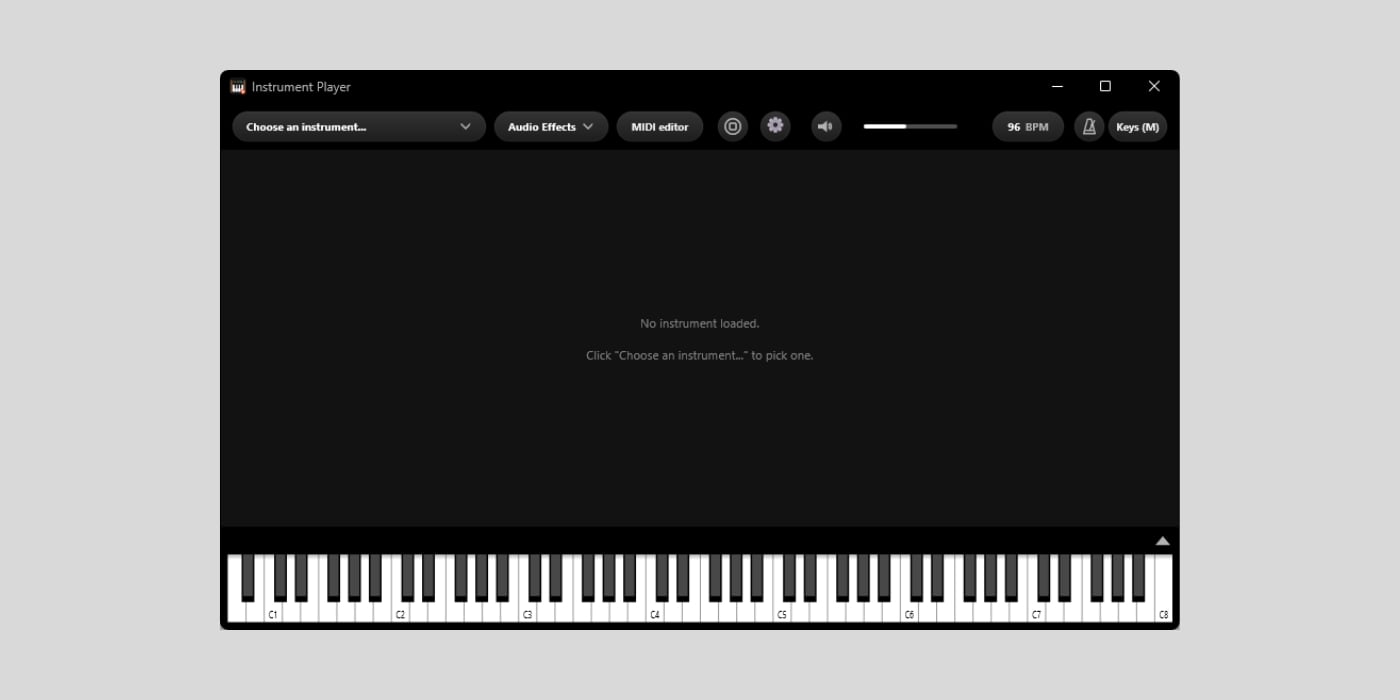
YBK Audio is offering Instrument Player, a standalone VST3 instrument host for Windows, free until October 19th.
Instrument Player normally costs $10 and strips away the timeline, mixer, and track setup you’d normally find in a full DAW. With this one, you simply open it, choose a VST3 instrument, and start playing.
This looks super useful for someone like me who tests dozens of plugins every week. Opening a full DAW multiple times a day just to check out a new synth or browse presets gets old very fast, so it’s nice to have something lightweight built for that exact job.
It scans your VST3 instruments in a separate process and puts them in a searchable list, with favorites pinned at the top. You can scan new plugins or rebuild the entire list.
The selected plugin opens at its native size, and you can build a chain of VST3 audio effects after it for quick sound design and testing.

The best feature if you plan to use this one for jamming rather than simply testing plugins like a dork (me) is MIDI Replay. Instrument Player continuously holds the last five minutes of incoming MIDI without requiring you to arm or press Record, so an accidental melody or chord progression is not lost.
You can pull the captured performance into the piano-roll editor, quantize and edit it, then export a standard MIDI file for your DAW. It stores MIDI notes and controller data rather than audio, and it does not record or export audio.
Multiple MIDI controllers can work simultaneously, including those connected while the app is running. You can press M on the computer keyboard to play, and Z and X to change octaves.
Audio output supports WASAPI and DirectSound. YBK Audio states that WASAPI exclusive mode typically delivers 5–10 ms latency. A simple Starter Synth is included, so the app works out of the box before you install another instrument.
The concept is simpler than Modalics Plugin Buddy, which also runs as a plugin and supports MIDI chains, but this one is even simpler to use. Instrument Player runs on Windows 10/11 and hosts only VST3 instruments and effects.
Getting this for free requires an email address but no account or payment card. YBK sends a confirmation link, followed by the license code and installer. Be aware that the app is not yet code-signed, so Windows may display a SmartScreen warning during installation.
The code is consumed when activated online on one computer and cannot be transferred or reissued. Reinstalling Windows is fine, but changing the CPU, motherboard, computer, or virtual machine invalidates the license.
Anyone claiming Instrument Player by October 19th can keep using it permanently. Free licenses include updates released during the launch month, but later updates require the paid $10 edition.
Download: YBK Instrument Player (FREE until October 19th)
Deal of the day 🔥: Get the VATRA mix finisher plugin by Flame Sound!More:
