



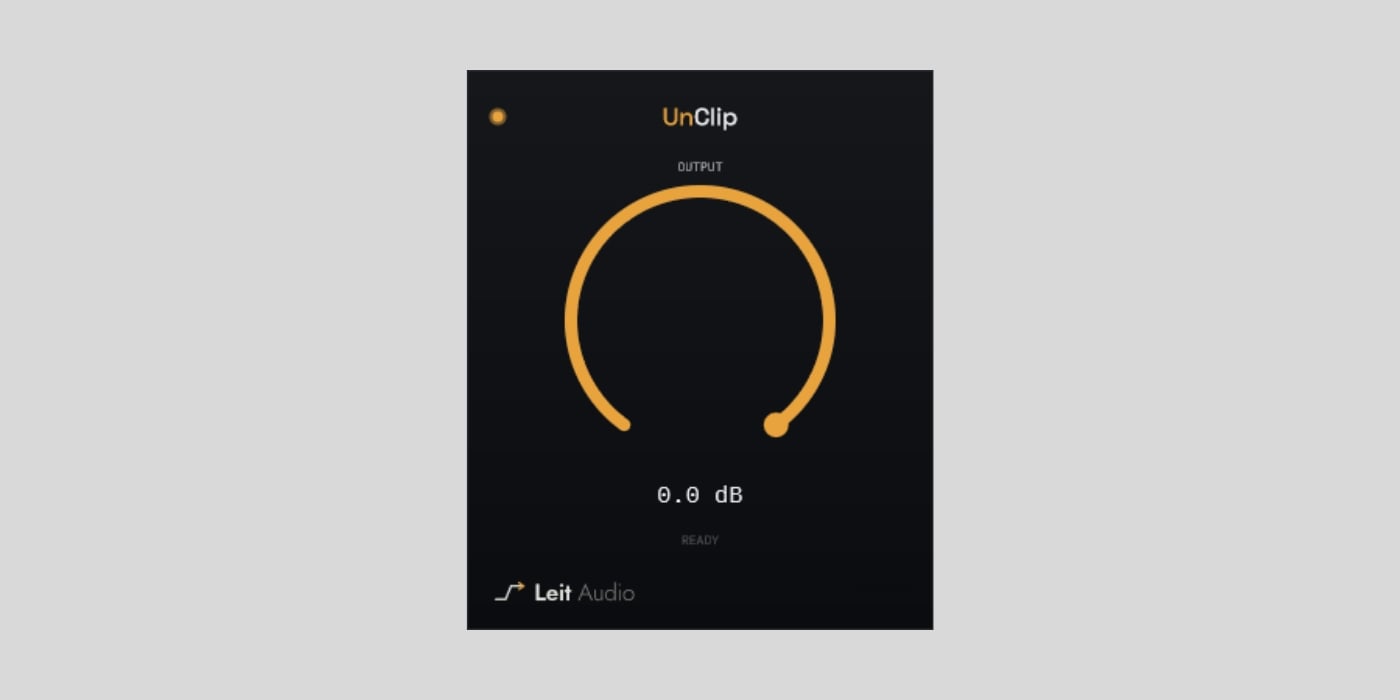
Leit Audio has released UnClip, a free audio restoration plugin for macOS, Windows, and Linux.
I am mostly sharing this one for fun. We have featured so many free clippers (REGENT and E-Peakclipper-500, to name a few) lately that covering an “unclipper” feels almost necessary as an antidote to clipping.
Of course, UnClip is not meant to sit after your favorite clipper so that you can push it harder. If you still control the clipping threshold, simply turn it down.
This plugin is for audio that reaches you with the damage already baked in. It detects short, flat-topped peaks caused by hard digital clipping, studies the clean waveform around them, and reconstructs a plausible curve through the missing section.
However, there’s an important distinction between “plausible” and “original” here. Once clipping has removed samples, the precise waveform that existed before the overload is unknown. UnClip tries to reduce the audible damage, but it cannot perfectly recover information that is no longer there.
It can also recognize clipping below 0 dBFS. UnClip looks for repeated evidence of hard clipping rather than assuming that every damaged peak remains at full scale.
The workflow is pretty simple, and it’s almost completely automatic. There is no threshold, sensitivity, or repair-strength control. You simply need to insert the plugin on the damaged track and use the Output knob to provide up to 24 dB of headroom for the reconstructed peaks. Only samples identified as clipped are replaced.
I have ended up with clipped field recordings in the past, especially while capturing thunder and airplane landings because both can have unpredictable volume levels. I was able to salvage them somewhat with plenty of tweaking, but that’s where a dedicated plugin like this one can definitely come in handy.
Avoiding clipping at the source is still better, of course. UnClip targets short hard-digital overloads, not sustained clipping, analog saturation, codec damage, crackle, or general distortion. An overloaded microphone or analog preamp may not produce the flat-topped shape it expects.
UnClip works in mono and stereo, analyzing both stereo channels independently. It reports approximately 99.5 ms of latency at 44.1 and 48 kHz, so it is intended for editing, mixing, and restoration rather than live monitoring.
Sample-rate conversion can spread distortion beyond the original plateau and make repair less effective. The dev recommends repairing at the original sample rate, rendering with floating-point headroom, and converting afterward.
UnClip is a roughly 3 MB VST3 download for macOS, Windows, and Linux, with AU included on macOS. A free account and email confirmation are required. The newsletter checkbox is optional, and there is no in-plugin activation.
Download: Leit Audio UnClip (FREE)
Deal of the day 🔥: Get the VATRA mix finisher plugin by Flame Sound!More:
- The best FREE clipper plugins for your DAW
- quietformat releases SURVIVE, a FREE feature-packed clipper plugin
- Analog Obsession releases RazorClip, a FREE analog-based clipper plugin
