



This article lists free guitar amp sim VST plugins. For more software categories, return to Free VST Plugins.
Whether you’re a guitar player or not, having a good guitar amp emulator or two in your plugins folder can be helpful. Like a good saturator, guitar amps can color any sound, adding anything from subtle warmth to full-on distortion.
If you’re a guitar player without access to a sound-proof studio, these VSTs are essential for bringing DI’ed signals to life. However, they can work well on synthesizers, drum machines, samples—pretty much anything that needs an injection of saturation.
This list focuses on guitar amplifier sims. While some may contain cabs (speakers or cabinets), many are just the head.
FREE Guitar Amp Sims
These are the best free guitar amplifier plugins in 2024:
- Neural Amp Modeler
- Tonocracy
- AmpliTube 5 CS
- Blue Cat’s Free Amp
- Amped Roots Free
- Amplifikation Lite
- Cypress TT-15
- NRR-1
- Crunck V2
- Ace
- L12X Solid State Amplifier
- bx_rockrack V3 Player
- Guitar Rig Player
Neural Amp Modeler
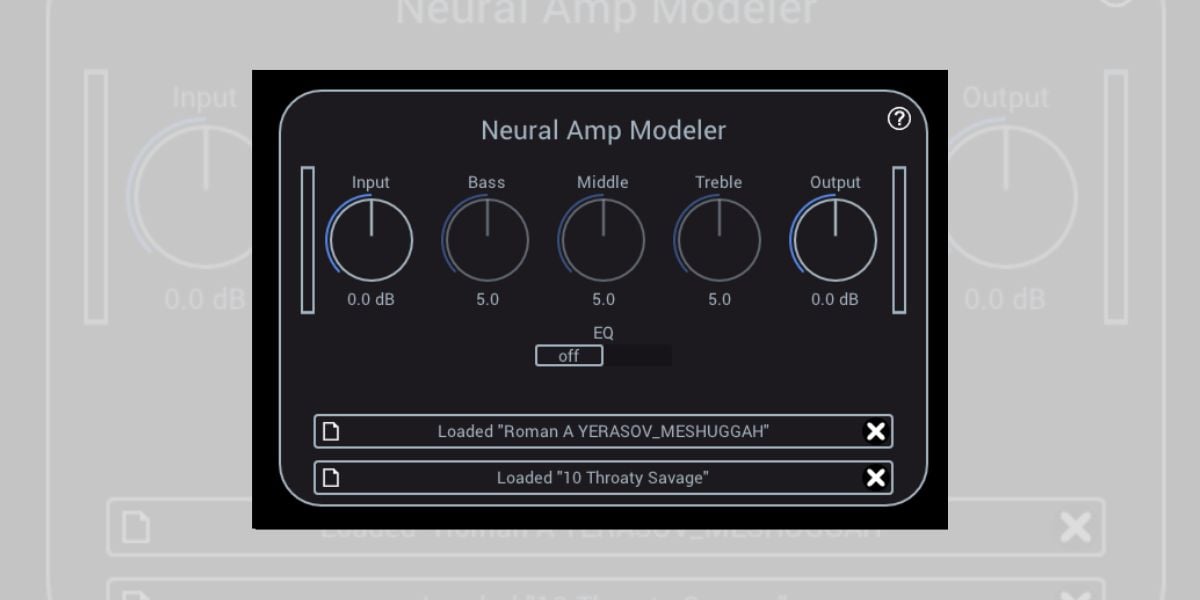
Neural Amp Modeler (NAM), developed by Steven Atkinson, is a free amp profiling plugin for guitarists, available in VST3 and AU formats.
The plugin allows users to create and use profiles of their own amps, stomp boxes, and other gear, similar to high-end profilers like Kemper and Quad Cortex.
This approach focuses on capturing the nuances of amp response through neural network modeling rather than traditional algorithmic processing. I’m not a professional guitarist, but to my ears, it’s one of the most realistic-sounding guitar amp simulations on the market.
NAM’s community contributes a wide range of amp profiles, including popular models like the Peavey 5150 and rarer amps like Sovtek and Ceriatone, accessible through a GitHub repository. Chances are you’ll find a capture of your favorite amp or an amp you always wanted to own but couldn’t afford.
Tonocracy

Tonocracy is a free amp simulator for Windows and macOS that supports VST3, AAX, and AU plugin formats.
The updated version 2.0 includes NAM (Neural Amp Modeler) captures, known as ToneSnaps, which offer high-quality sound modeling of various amps, such as the 6505, Fender Bassman, and Orange Micro Terror.
My favorite feature is the SchemAccurate amp captures, which range from clean tones to high-gain amplifiers. I love having such a versatile selection of amp sounds when working on new projects, as I love switching up the guitar tones on the fly until something fits the mix.
Tonocracy also comes with premium impulse responses (IRs) from ML Sound Lab, Amalgam Audio, and others, providing a wide array of speaker cabinet sounds. You can also import custom IRs through drag-and-drop functionality.
The plugin aims to compete with premium amp simulation software like TONEX by IK Multimedia and Melda Production’s GuitarArchitect. I think it’s a great alternative to paid amp sims, especially since it works seamlessly with NAM technology.
AmpliTube 5 CS by IK Multimedia
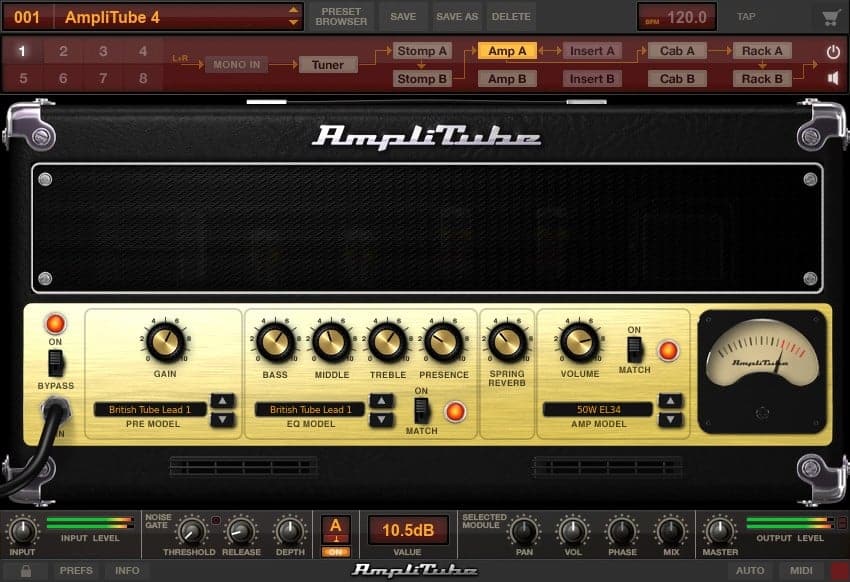
AmpliTube 5 CS is a free version of IK Multimedia’s comprehensive guitar sim package, AmpliTube 5.
The free version on offer here includes nine stompboxes, four amps, five cabs, three mics, two rack effects, and a chromatic tuner, which should be enough to get you started.
AmpliTube 5 CS also includes a custom IR loader to expand your cabinet collection with free impulse responses.
Additional amp models are available via in-app purchases.
Blue Cat’s Free Amp by Blue Cat
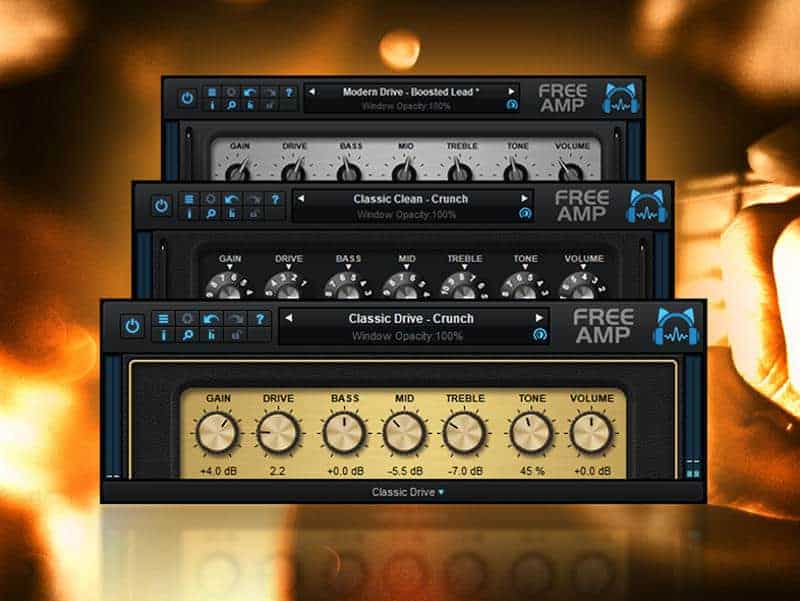
Blue Cat’s Free Amp is a guitar amp emulator based on Blue Cat’s premium Destructor and Axiom plugins.
With three different models (Classic Clean, Classic Drive, and Modern Drive) and matching cabinet emulation for each virtual amp type, there’s plenty to work with here.
The tone ranges from clean to crunchy, with a proper sweet spot that favors a clean sound, a rarity for guitar amp VSTs.
Amped Roots Free by ML Sound Lab
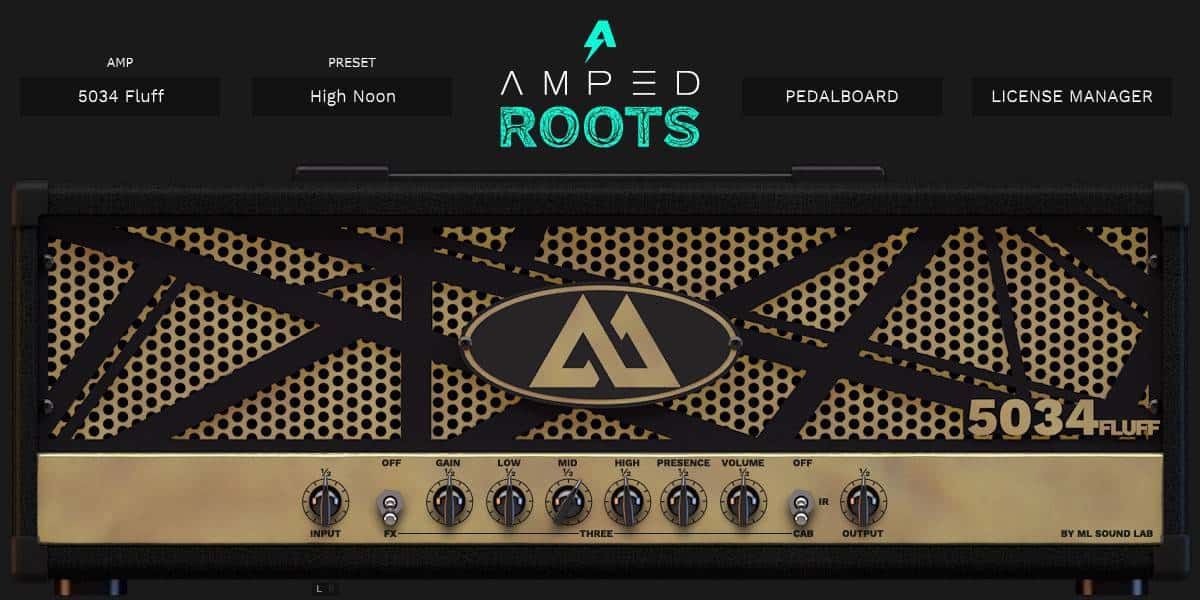
Amped Roots Free is the free edition of ML Sound Lab’s software bundle, which was made with the help of guitarist Ryan “Fluff” Bruce.
The plugin includes an amp designed for metal with a built-in cabinet simulator and two effects pedals.
Amplifikation Lite by Kuassa
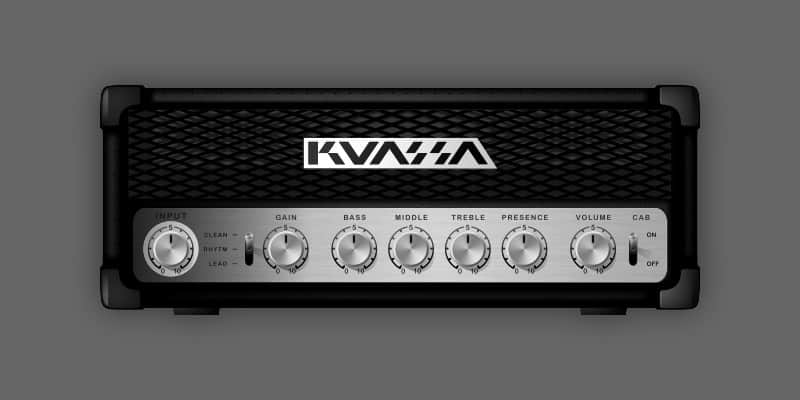
Based on one of the amps featured in Kuassa’s Amplifikation One guitar processing software, Amplifikation Lite has three channels (clean, rhythm, and lead) and a built-in cabinet impulse response loader.
The cabinet loader is helpful for when you want more than just an amp head.
Cypress TT-15 by Black Rooster Audio

German effects company Black Rooster Audio offers Cypress TT-15, a component-based circuit simulation of the Orange TT15 Tiny Terror amp head.
Orange amps are famous for their tone, and this emulation has a similar sound and identical control layout.
Cypress TT-15 also has a 2×12 cabinet simulation that can be bypassed should you wish to use an alternate cab impulse response.
NRR-1 by Ignite Amps
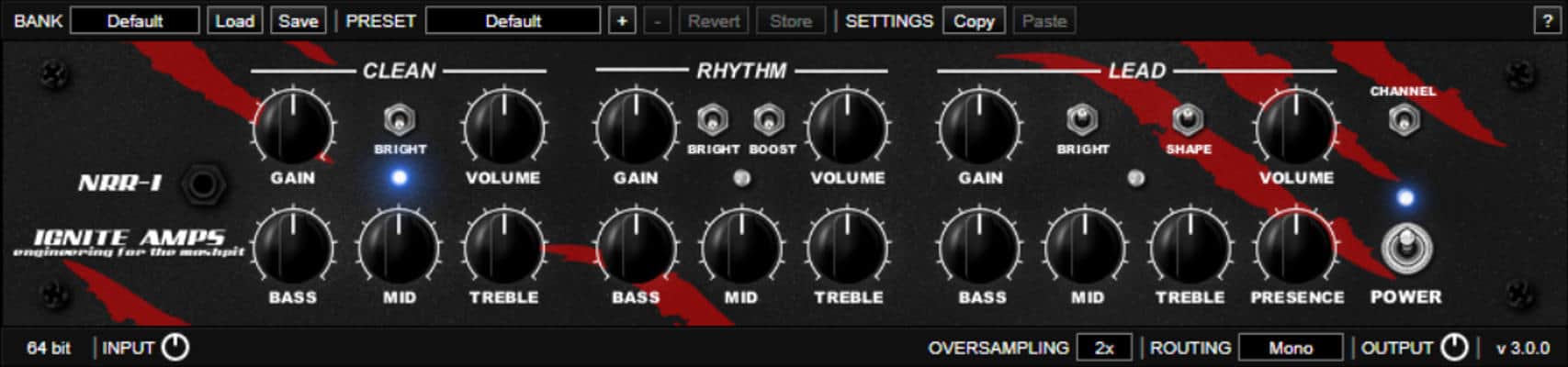
Back in 1999, Ignite Amps built the NRR-1 tube preamplifier for Fleshgod Apocalypse guitarist Cristiano Trionfera.
The software version is a digital emulation of that same preamp that features Ignite Amps’ third-generation triode modeling engine and three channels: clean, rhythm, and lead. It’s particularly suited to metal and other heavy genres.
Crunck V2 by Nembrini Audio
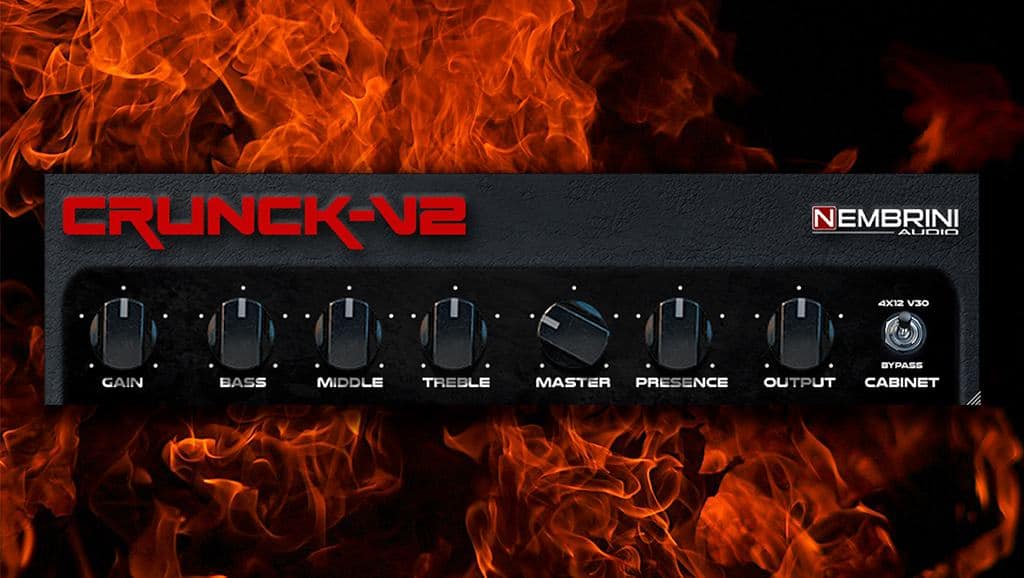
Nembrini Audio’s relatively new Crunck V2 plugin is a high-quality guitar amp sim designed for rock and pop genres.
With its easy-to-understand layout, it’s particularly suited to beginners. It also includes an IR-based cabinet simulator with 30 built-in cabinet impulse responses.
Ace by Shattered Glass Audio
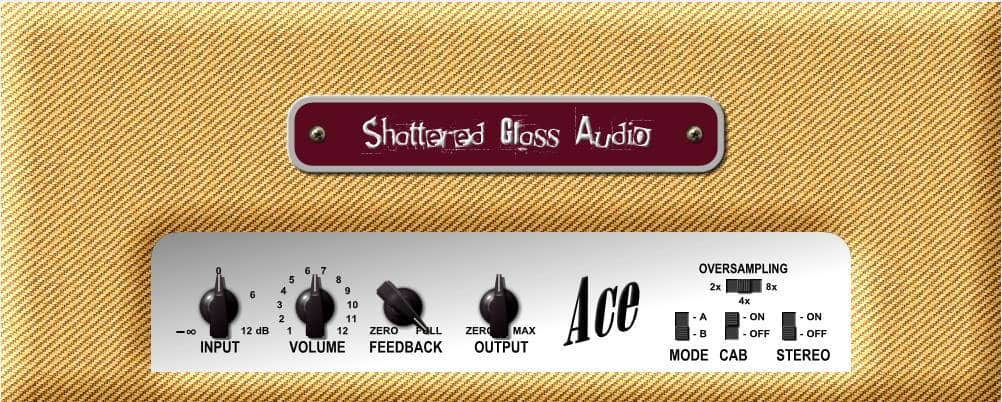
Ace by Shattered Glass Audio is an emulation of a Fender tube guitar amp. With its clean tones, it’s great for indie rock, pop, and other genres that don’t require a high-gain guitar sound like metal.
This amp, which is heavily optimized and light on the CPU, also features a built-in cabinet simulation and two different circuit models.
L12X Solid State Amplifier by Audiority
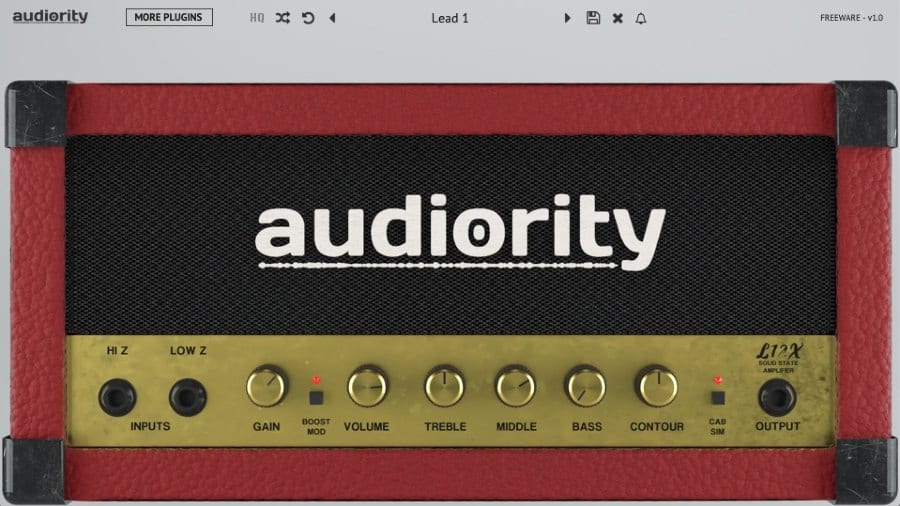
Audiority’s free L12X Solid State Amplifier is based on the Marshall Lead 12 head of the late ’80s, which is renowned for its ability to get very loud.
This emulation has two channels (clean and boost), a contour knob for a more scooped tone, and an additional boost overdrive stage.
bx_rockrack V3 Player by Plugin Alliance
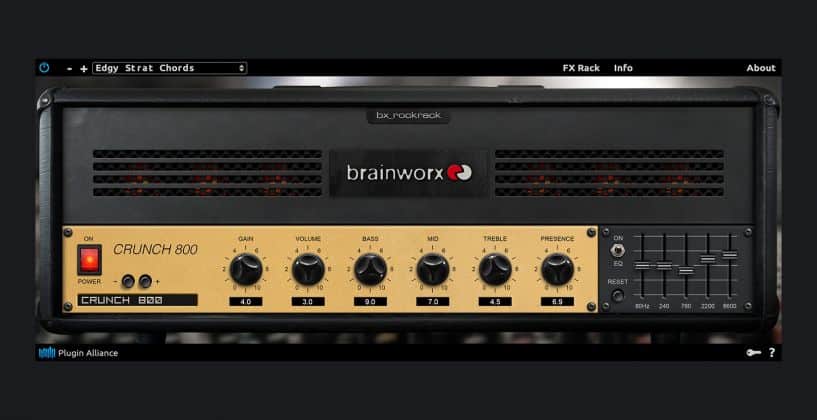
bx_rockrack V3 Player is the freeware virtual guitar amp plugin by Brainworx.
It features a limited collection of amp models and presets from the full version of the software. There are 26 presets in total, based on eight different guitar amplifier models.
The plugin sounds very good. However, the options for customizing the included presets are very limited. That said, bx_rockrack V3 Player can be valuable if you’re only looking for a great-sounding virtual amp to jam on.
Guitar Rig Player by Native Instruments
Like AmpliTube CS, Native Instruments’ freely downloadable Guitar Rig 5 plugin is a fully-featured all-in-one guitar solution, with amps, cabs, effects, and more.
It’s great for everything from subtle warmth to full-on effects madness, and it sounds lovely on synths.
Guitar Rig Player is a free, cut-down version of Guitar Rig Pro and includes a British-style tube amp plus a matched cabinet and 13 effects and sound modifiers. Note that Guitar Rig 5 Player comes as part of Komplete Start, a bundle of free instruments and effects.
For more freeware plugins and instruments, return to our Free VST Plugins page.
Last Updated on October 17, 2024 by Tomislav Zlatic.
